
Press
Rootstep: Move Planner, for the press.
The app in a line and in a paragraph, the facts, artwork to use, and who to write to. Everything here may be quoted and used in articles about Rootstep.
In one line
Rootstep: Move Planner puts every step of a move in the right order and dates each one from the moving day, on iPhone, iPad and Apple Watch.
In a paragraph
A moving and relocation planner for iPhone, iPad and Apple Watch: every step of your move in the right order, each with a date counted from your moving day, plus documents, boxes with QR labels, a budget in any currency, contacts, an hour-by-hour moving day and planning with your family through iCloud. For a step with a local rule, Rootstep links the official page where it has one; the person reads the rule there and sets the deadline. There is no account, no advertising and no analytics: the plan stays on the person's devices and in their own iCloud, and the App Store privacy label reads Data Not Collected.
Facts
- Name
- Rootstep: Move Planner
- Released
- 20 October 2026
- Devices
- iPhone (iOS 26 or later), iPad (iPadOS 26 or later), Apple Watch (watchOS 26 or later, with the iPhone app)
- Price
- Free to download, with a 9-day trial of every feature and no payment details. After that, the Move Pass is one in-app purchase, not a subscription, shared through Family Sharing; the plan stays free to view and mark done. The App Store shows the price in each currency.
- Category
- Productivity, and Travel
- Language
- English (British and American)
- Privacy
- No account, no ads, no analytics, no tracking. Data Not Collected.
- Accessibility
- VoiceOver, Voice Control, Switch Control, every text size, Dark Mode, Increase Contrast, Differentiate Without Colour and Reduce Motion: the accessibility statement.
- Links
- App Store · rootstep.app · Free moving checklists
What it does
- A plan for every move, across town or across the world: every step in the right order, each with a date counted from your moving day.
- Official pages: for a step with a local rule, Rootstep lists the official page where it has one; you read the rule there and set the deadline yourself.
- Today shows what comes next; mark steps done as you go.
- Reminders before each date, with quiet hours, and your deadlines and appointments in your calendar if you like.
- Documents: passports, certificates and permits with their expiry dates, the originals and copies you hold, and scans locked with Face ID or Touch ID.
- Boxes: number every box, list what goes in it, and print labels with a QR code any phone camera can read.
- A budget in any currency, with your receipts and the European Central Bank's daily rates.
- Contacts such as movers, landlords, offices and schools, each linked to the steps they help with.
- Moving day: an hour-by-hour list for the day you leave and the day you arrive, on your Lock Screen as the day goes.
- An assistant that answers from your own plan, and a letter helper that reads a letter in another language, on your device.
- Plan together: share a move with your family through iCloud, give each step to someone and comment on it.
- iPad with a sidebar, two panes and keyboard shortcuts; widgets; an Apple Watch app; Siri shortcuts.
- No account, no ads, no analytics: your plan stays on your devices and in your own iCloud.
Artwork
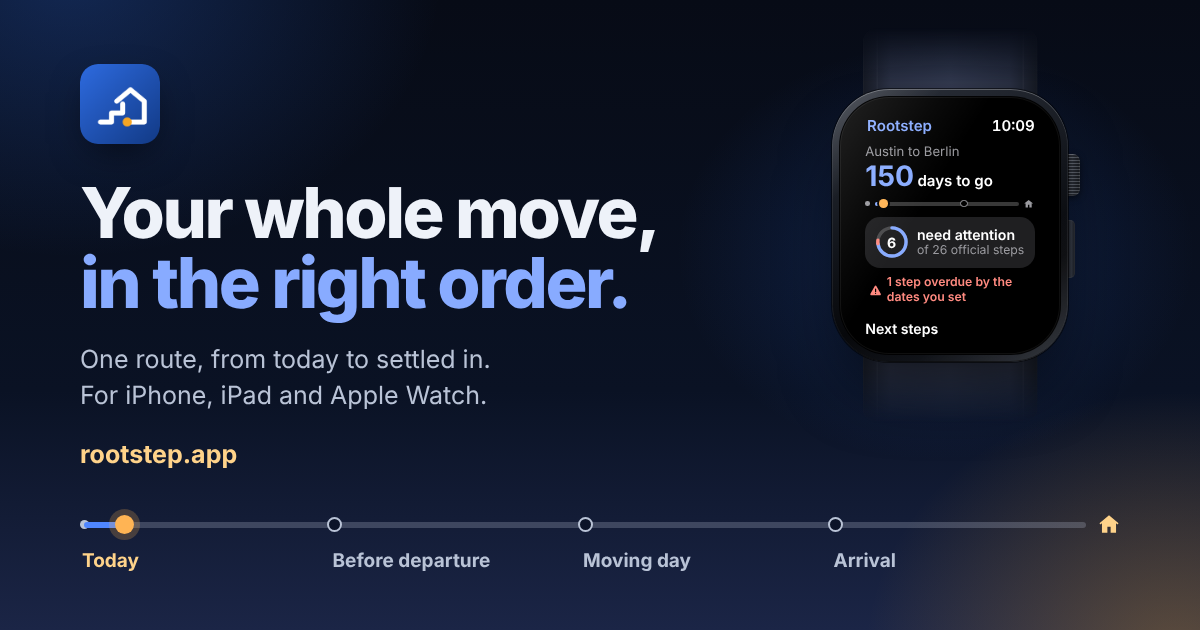
Use these as they are. The App Store page has the current screenshots and the app preview.


Contact
Questions, interviews and review access: support@rootstep.app. Writing a review? Ask for a code that unlocks the Move Pass.